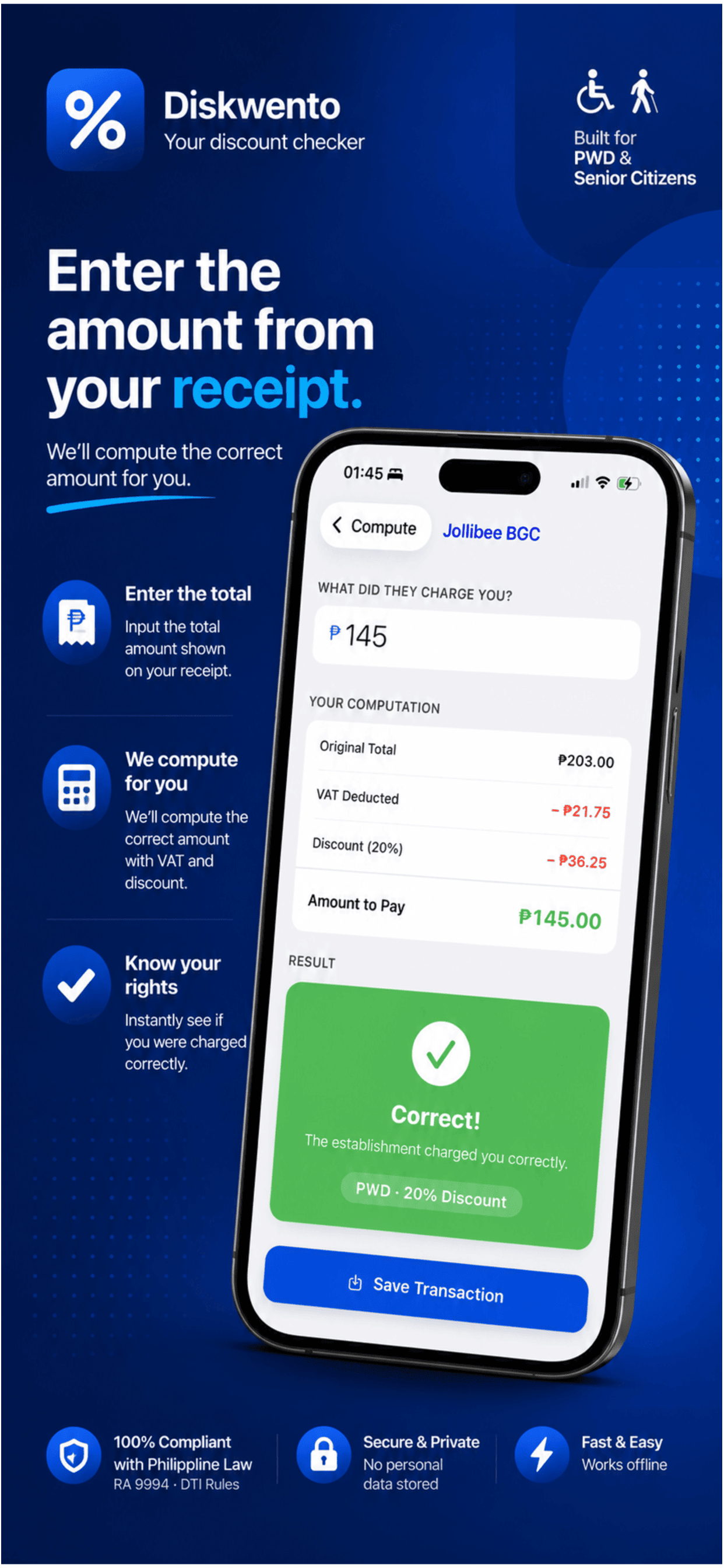
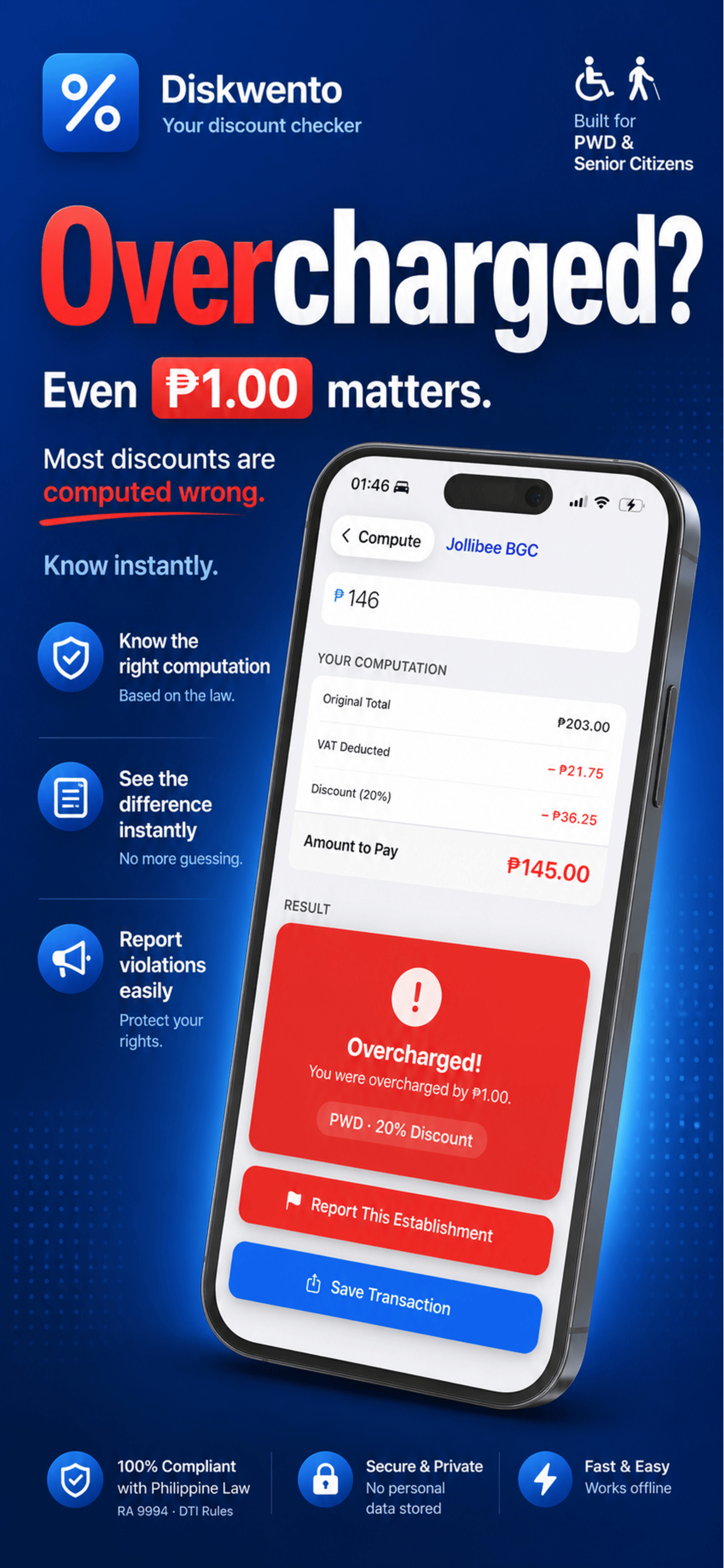
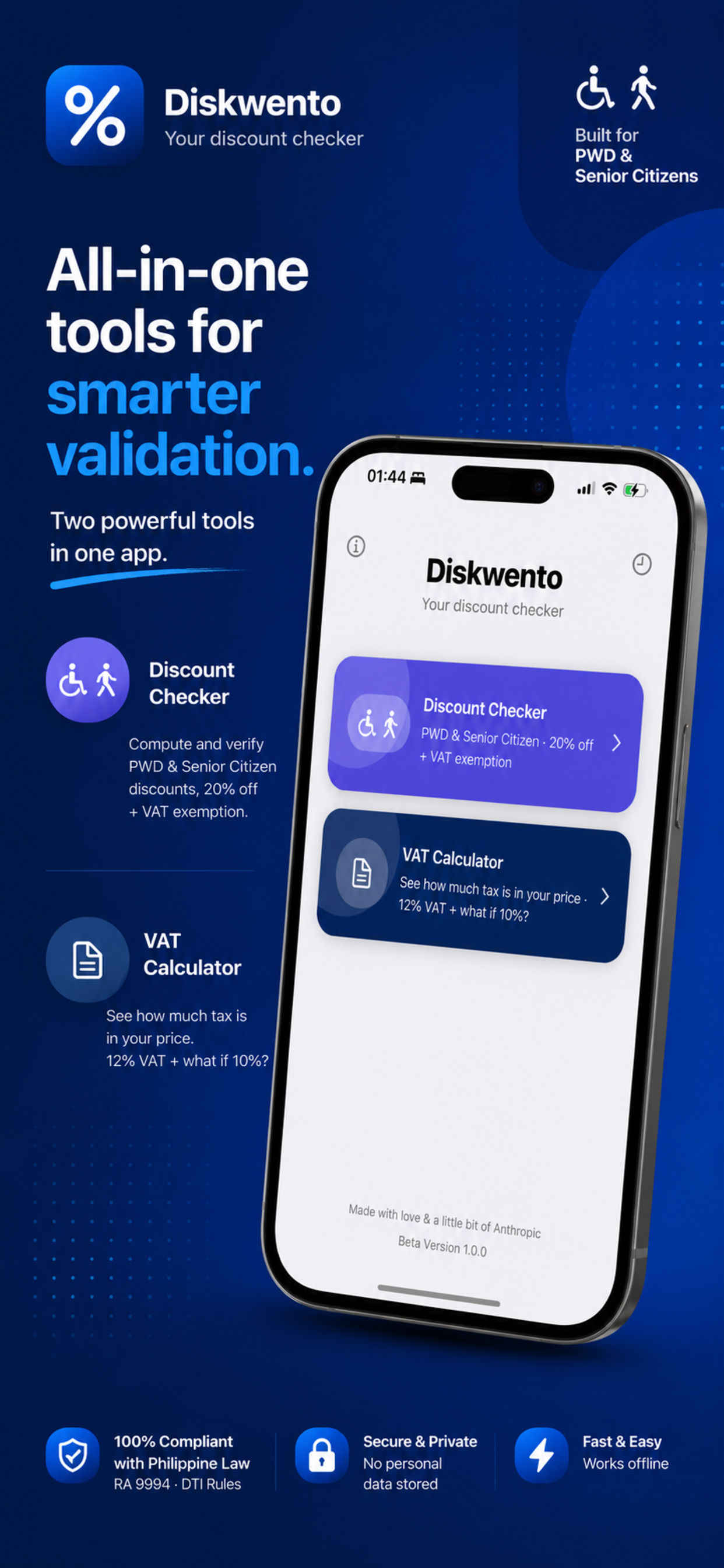
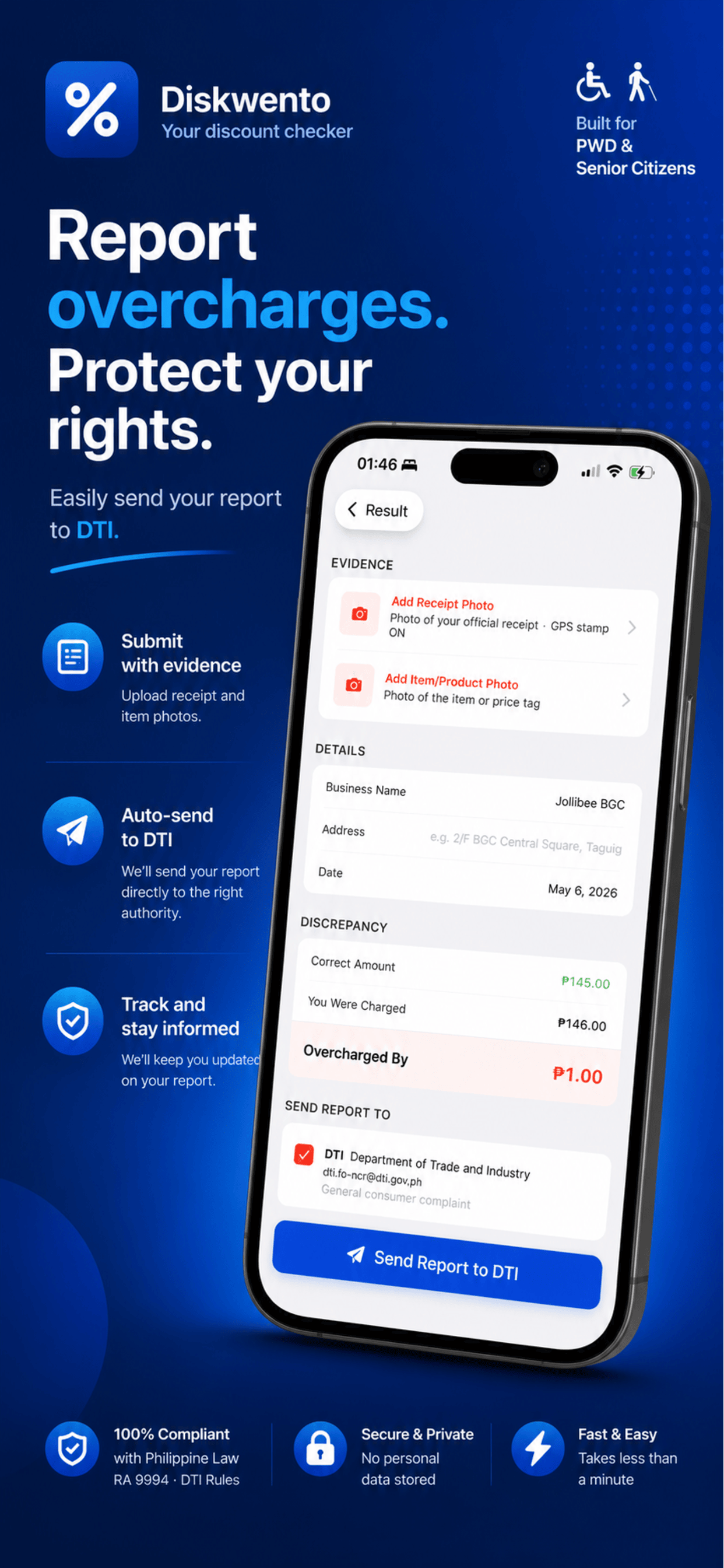
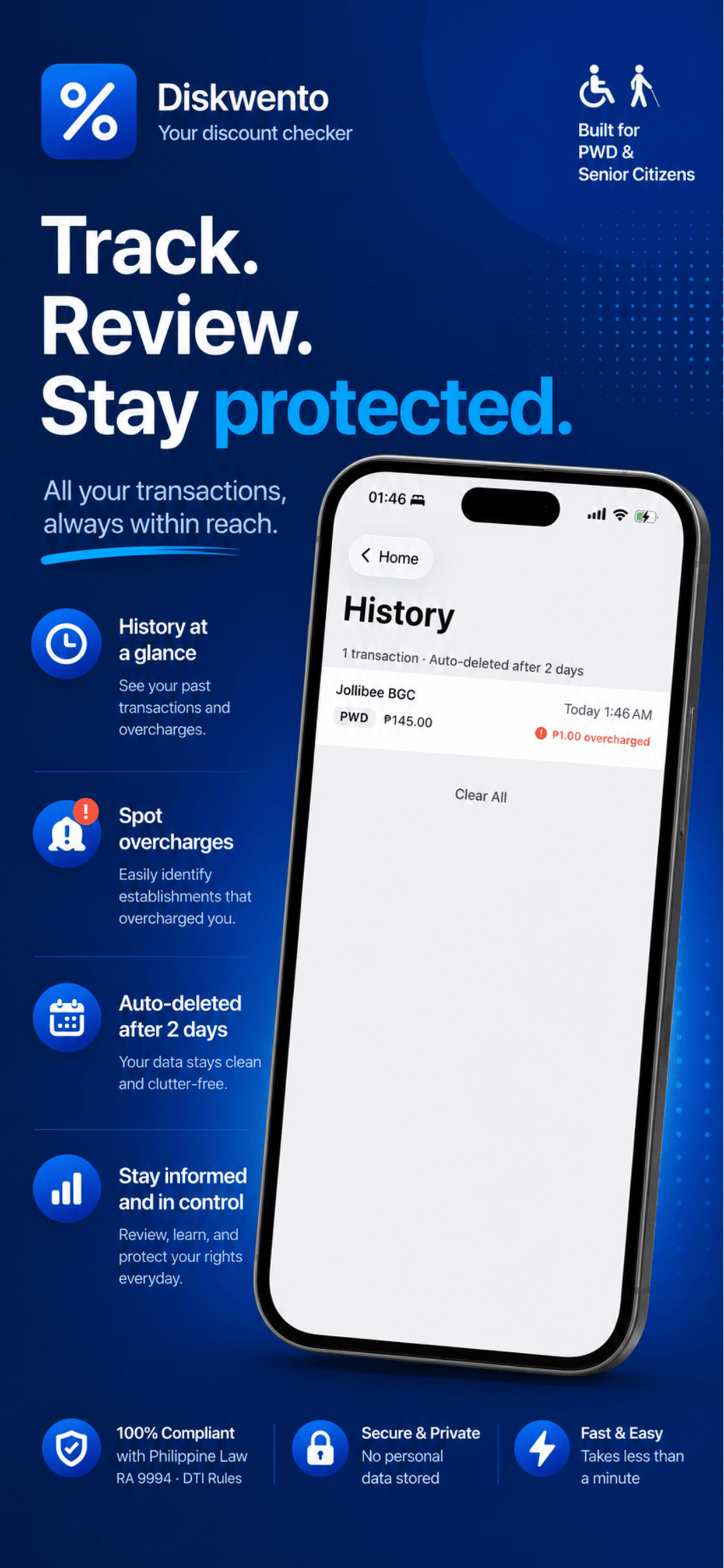
Diskwento Mobile App PH helps PWD and Senior Citizens verify if their 20% discount was correctly applied — on every transaction, every receipt.
Free · No account required · Works offline
Based on RA 9994 and RA 7277
Features
Built specifically for the Philippines — a transparency tool for PWD and Senior Citizens to verify their rights after every completed purchase.
How It Works
A completed transaction with an issued receipt constitutes the legal basis for any complaint. That is when Diskwento steps in.
Legal Basis
Every computation in Diskwento Mobile App PH is grounded in existing Philippine legislation protecting PWDs and Senior Citizens.
Legal
Last updated: April 2026
Diskwento Mobile App PH ("the App") is developed and maintained by Carlo Corcuera. This Privacy Policy explains how information is handled when you use the App.
The App operates primarily offline and does not require an account. We collect only the following anonymous data when you submit a complaint report:
No personally identifiable information — including your name, email address, phone number, or device identifier — is collected or transmitted.
Anonymous report statistics are used solely to track patterns of PWD and Senior Citizen discount violations across the Philippines, improve the App, and support consumer rights advocacy. This data is never sold or shared with advertisers.
All transaction history and report drafts are stored locally on your device only using AsyncStorage. This data is not transmitted to any server and is automatically deleted after 2 days.
The App is not directed at children under 13. We do not knowingly collect information from children.
We may update this Privacy Policy from time to time. Changes will be posted on this page with an updated effective date. Continued use of the App after changes are posted constitutes your acceptance.
For privacy-related questions, contact us at [email protected].
Last updated: April 2026
By downloading or using Diskwento Mobile App PH ("the App"), you agree to these Terms of Service. Please read them carefully before use.
Diskwento Mobile App PH is a discount verification tool designed to help PWDs and Senior Citizens in the Philippines verify whether their legally mandated discounts were correctly applied on a completed transaction receipt. The App is provided for informational and consumer advocacy purposes only.
The App implements the discount formula as prescribed by RA 7277 and RA 9994. While we strive for accuracy, the App is not a substitute for professional legal or financial advice. Carlo Corcuera shall not be liable for discrepancies arising from incorrect user input, VAT-exempt items not toggled correctly by the user, or changes in applicable tax rates or discount laws.
The report feature generates a pre-filled email template to assist users in filing complaints with relevant government agencies based on a completed transaction where an incorrect discount computation was applied. Diskwento Mobile App PH does not guarantee any outcome from submitted reports and is not responsible for actions taken or not taken by government agencies. Users are responsible for the accuracy of all information provided in complaint reports.
The Diskwento name, icon, and all related content are the property of Carlo Corcuera. You may not reproduce, distribute, or create derivative works without explicit written permission.
The App is provided "as is" without warranty of any kind. Carlo Corcuera shall not be liable for any indirect, incidental, or consequential damages arising from your use of the App.
These Terms are governed by the laws of the Republic of the Philippines.
We reserve the right to update these Terms at any time. Continued use of the App after changes are posted constitutes your acceptance of the updated Terms.
For questions about these Terms, contact us at [email protected].
FAQ
Contact
Questions, feedback, or partnership inquiries? We would love to hear from you.
[email protected]